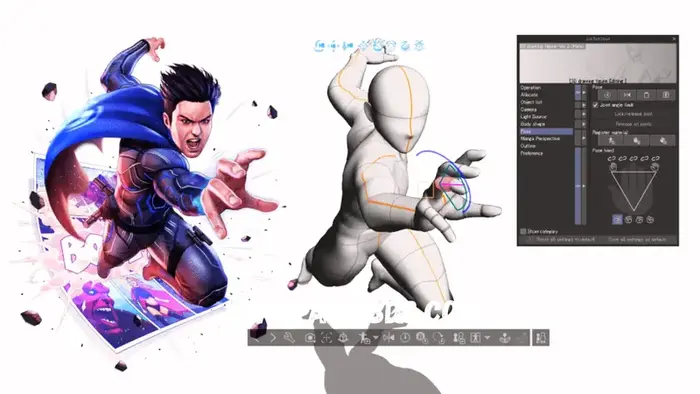
Microsoft officially shut down Paint 3D at the end of 2024. Many users are now looking for better tools that include 3D modeling, drawing, or photo editing features. If you’ve been using Paint 3D for simple 3D shapes, image manipulation, or basic artwork, don’t worry.
In this article, you’ll find the best paint 3d alternatives. I’ll explain each tool in simple and clear terms so you can easily make the right choice for you.
Blender – Best Free Professional 3D Tool
If you want to work on 3D modeling, animation, and rendering, Blender is the best and free option. Game developers, YouTubers, and even film studios use Blender to create animations. Once you learn the basics, you can create professional-level projects yourself.
Why Choose Blender
Tinkercad – Best for Absolute Beginners
Tinkercad runs directly in your web browser. There’s nothing you can install. Just open the website and start designing. It uses simple shapes like cubes and circles. You drag, drop, and combine them.
Students and teachers love Tinkercad because it makes 3D design so easy.
Why Choose Tinkercad
SketchUp – Best for Architecture & Interiors
SketchUp focuses on buildings, rooms, and furniture design. If you want to design a house layout or room interior, SketchUp makes it easy.
Its famous Push & Pull tool lets you turn flat shapes into 3D objects instantly.
Why Choose SketchUp
Krita – Best for Digital Artists
If you primarily use Paint 3D for drawing and painting, Krita is a huge upgrade.It offers professional brushes that feel like real pencil, watercolor, and oil paint. Many comic artists and illustrators use it daily.
Why Choose Krita
Paint.NET – Best Simple Photo Editor
Paint.NET keeps things simple but includes powerful features like plugins. If you want something simple like the old Paint but more capable, this tool works perfectly on Windows
Why Choose Paint.NET
3D Builder – Closest Alternative to Paint 3D
3D Builder is a Microsoft tool and is convenient for Paint 3D users.You can edit 3D models, prepare files for 3D printing, and make simple changes quickly.
Why Choose a 3D Builder
Matter Control – Best for 3D Printing Projects
MatterControl can create models specifically for 3D printing. It not only provides design tools but also powerful features for controlling the printer. If your goal is not to create models but to print things, this tool helps you easily organize everything in one place.
Why Choose Matter Control
Quick Comparison Table Paint 3D Alternatives
| Tool | Free | Best For | Skill Level |
|---|---|---|---|
| Blender | ✅ | Advanced 3D modeling | Medium–Advanced |
| Tinkercad | ✅ | Beginners | Beginner |
| SketchUp | Free + Paid | Architecture | Beginner–Intermediate |
| Krita | ✅ | Digital art | Beginner–Advanced |
| Paint.NET | ✅ | Photo editing | Beginner |
| 3D Builder | ✅ | Basic 3D edits | Beginner |
| MatterControl | ✅ | 3D printing | Intermediate |
Which Paint 3D Alternatives Should You Choose
Your choice depends on your goal :
Conclusion
Paint 3D alternatives is easy to use, but it has some limitations. Now you have better 3D tools that give you more freedom and powerful features. Most of them are completely free. You can start with any tool according to your skills. Learn slowly and practice together. When your skills improve, you can move on to more advanced software like Blender.